
Download PvZ Fusion for PC 4.0.5 Free (Windows 10 & 11)
Get the official Windows build of PvZ Fusion 4.0.5 (435 MB ZIP) from the first button below. Want English menus? Use the second button to grab the community Multi-lang build from GitHub.

If you have played PvZ Fusion on a phone, you already know how fast a late wave gets out of hand. On a computer you get a bigger lawn, a precise mouse and enough room to see every fusion in action. PvZ Fusion for PC is not an emulator trick either. The developer, LanPiaoPiaoFly, ships a native Windows build with every update, and this page always carries the latest one.
Keep in mind that PvZ Fusion is a fan-made game. It is not made, sold or endorsed by EA or PopCap, so you will not find it on Steam or the Microsoft Store. The official build opens in Chinese by default. If you prefer English menus and Almanac text, the community translation team publishes a Multi-lang version, and this guide covers both options.
Below you will find the 4.0.5 download, the real install steps, how to switch to English, system requirements, fixes for the most common errors and older PC builds.
Older Versions of PvZ Fusion for PC
Version | Release Date | PC File Size | Download Link |
|---|---|---|---|
4.0 | 20th September, 2026 | 561 MB | |
3.9 | 16th August, 2026 | 540 MB | |
3.8.1 | 18th July, 2026 | 570 MB | |
3.8 | 12th July, 2026 | 523 MB | |
3.7 | 6th July, 2026 | 510 MB | |
3.6.1 | 27th April, 2026 | 524 MB | |
3.6 | 26th April, 2026 | 524 MB | |
3.5 | 1st April, 2026 | 513 MB | |
3.4.2 | 15th March, 2026 | 510 MB | |
3.4.1 | 1st March, 2026 | 507 MB | |
3.4 | 15th February, 2026 | 501 MB | |
3.3.1 | 15th December, 2025 | 490 MB | |
3.3 | 1st November, 2025 | 497 MB | |
3.2 | 23rd December, 2025 (Not Confirmed) | 472 MB | |
3.1.1 | 15th October, 2025 | 441 MB | |
3.1 | 1st October, 2025 | 440 MB | |
3.0 | 30th September, 2025 | 412 MB | |
2.8.2 | 14th August, 2025 | 384 MB | |
2.8.1 | 10th August, 2025 | 377 MB | |
2.8 | 30th July, 2025 | 382 MB | |
2.7 | 5th July, 2025 | 369 MB | |
2.6.1 | 15th June, 2025 | 514 MB | |
2.6 | 1st June, 2025 | 515 MB | |
2.5.1 | 27th April, 2025 | 481 MB | |
2.5 | 20th April, 2025 | 481 MB | |
2.4.2 | 20th April, 2025 | 457 MB | |
2.4.1 | 10th April, 2025 | 465 MB | |
2.4 | 11th April, 2025 | 465 MB | |
2.3.1 | 3rd March, 2025 | 473 MB | |
2.3 | 1st March, 2025 | 473 MB | |
2.2.1 | 5th February, 2025 | 455 MB | |
2.2 | 25th January, 2025 | 445 MB | |
2.1.8 | N/A | 398 MB | |
2.1.7 | N/A | 398 MB | |
2.1.6 | 10th December, 2024 | 398 MB | |
2.1.4 | 10th November, 2024 | 340 MB |
PvZ Fusion PC Game Info
Game Name | PvZ Fusion (PC Version) |
Latest Version | 4.0.5 |
Last Update | 1st October, 2026 |
File Size | 435 MB (ZIP) |
File Format | Portable ZIP, no installer needed |
Developer | LanPiaoPiaoFly (Fan Made, Not Affiliated with EA / PopCap) |
Platform | Windows 7, 8, 10 & 11 |
Price | Free |
Languages | Chinese (Default), English via the Multi-lang Build |
What is PvZ Fusion for PC?
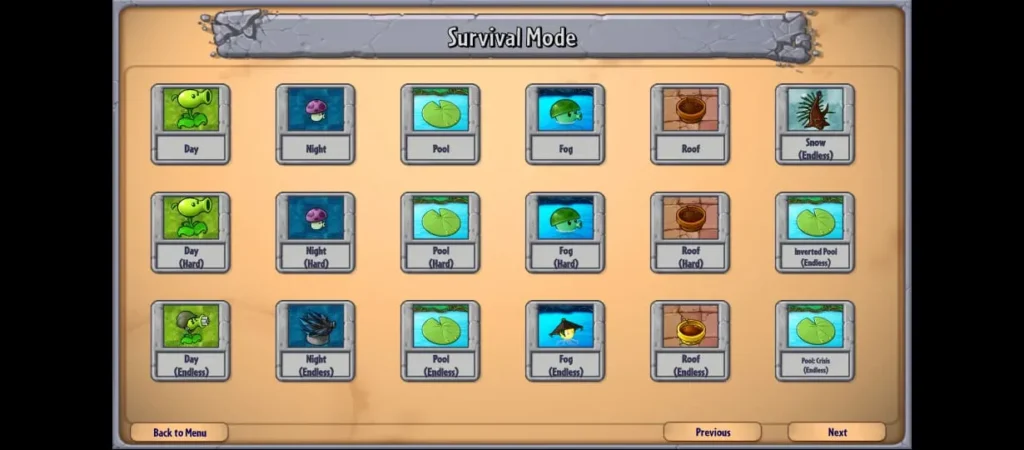
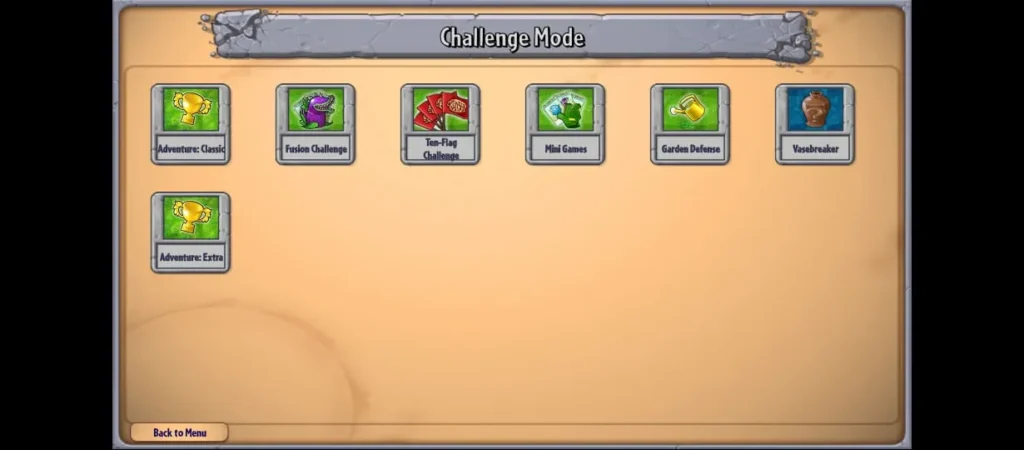
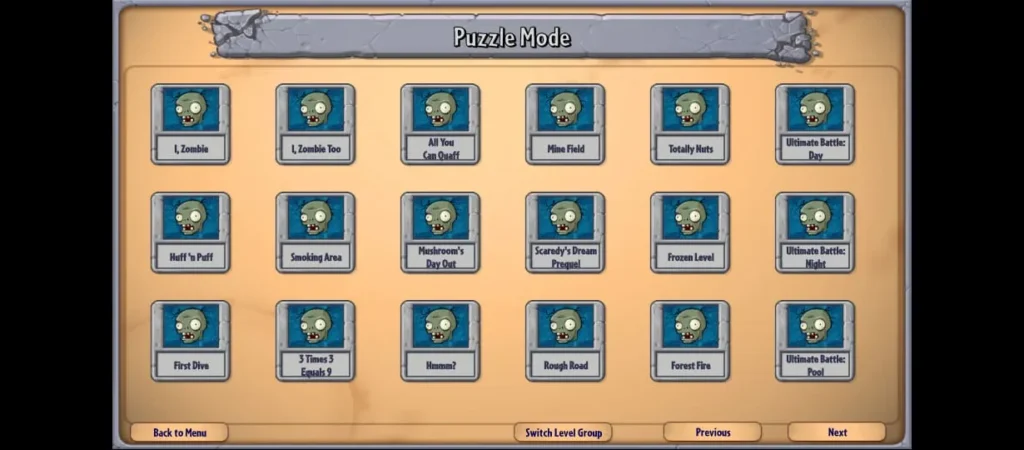
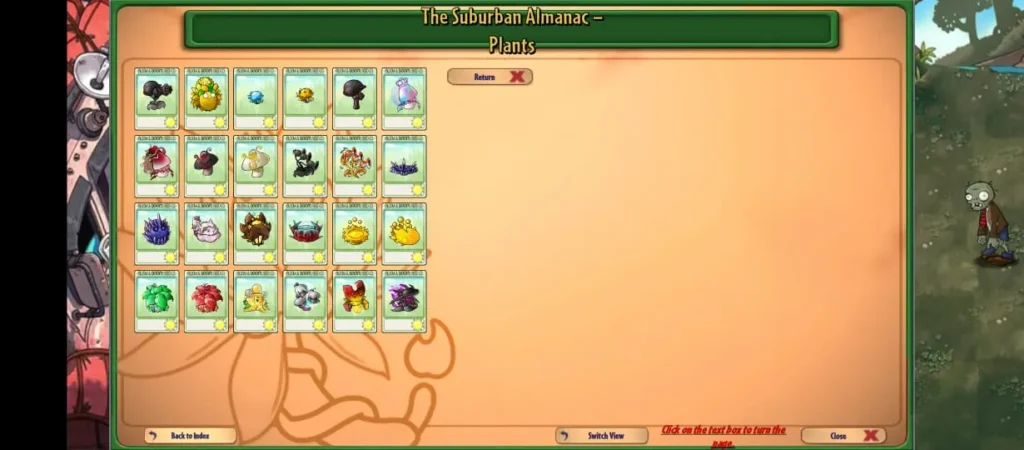
PvZ Fusion for PC is the Windows edition of the fan-made Plants vs. Zombies Fusion, built in Unity by LanPiaoPiaoFly and first shared on Bilibili. It is the same game as the Android APK, with the same plants, zombies, fusions and modes, packed as a portable ZIP that runs without an installer or an emulator. Here is what you get with the PC build:
Screenshots
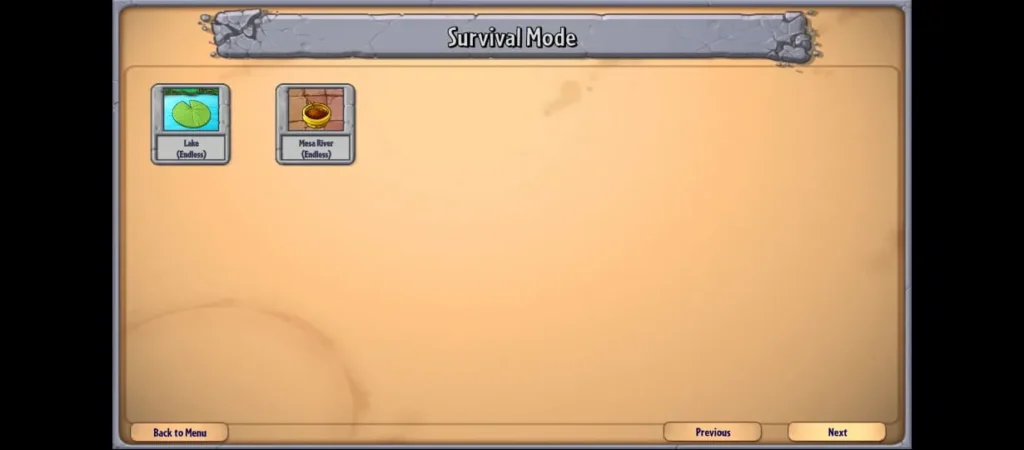
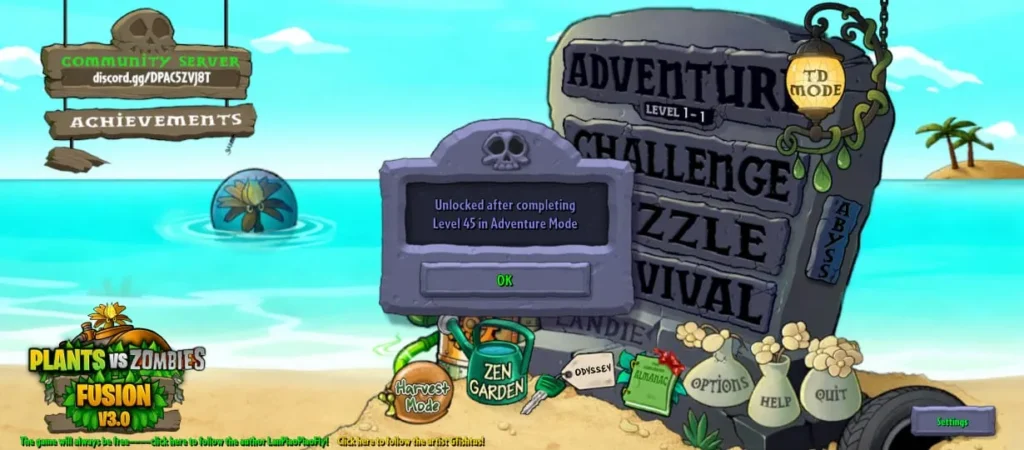
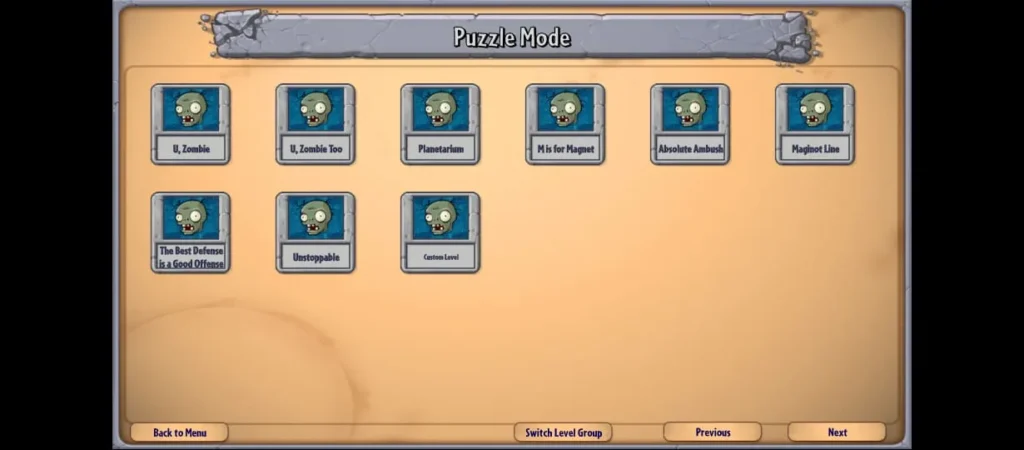
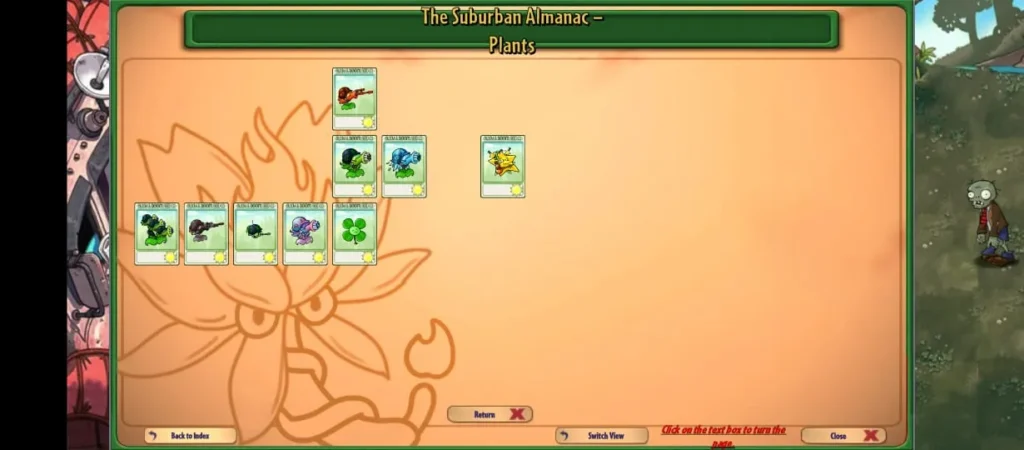
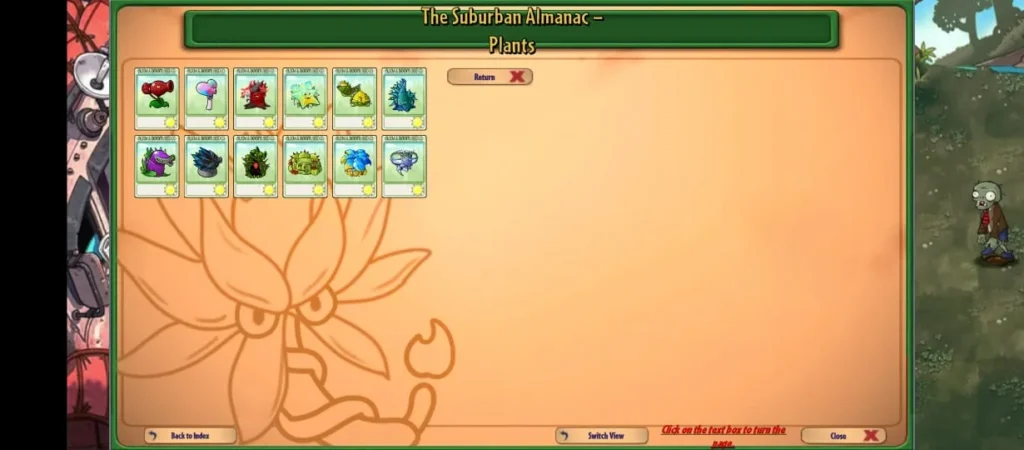
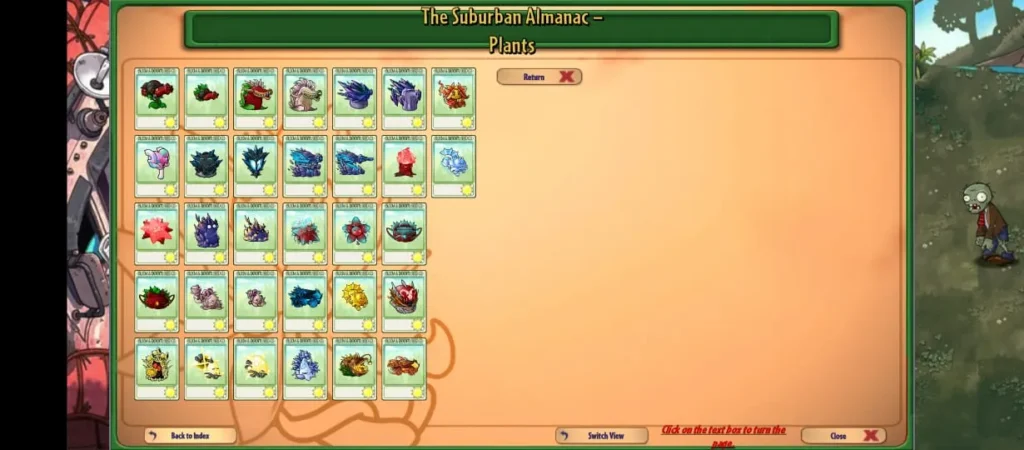
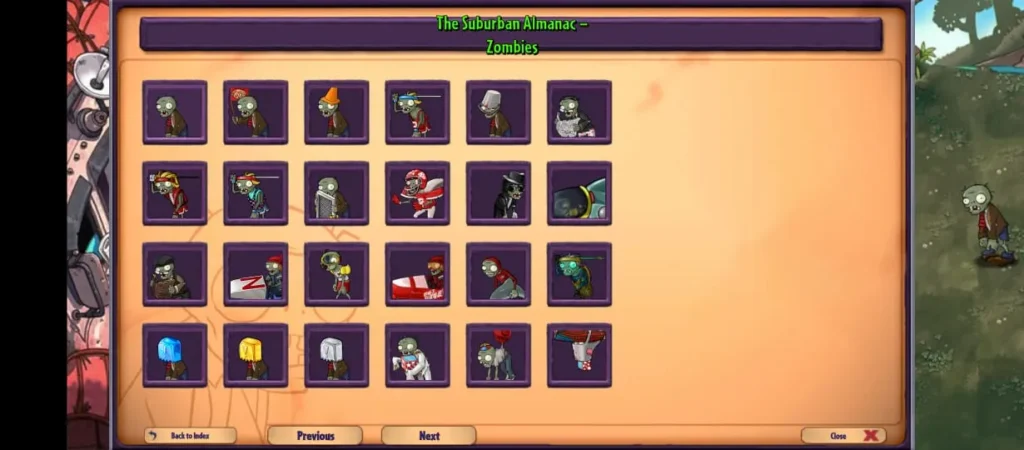
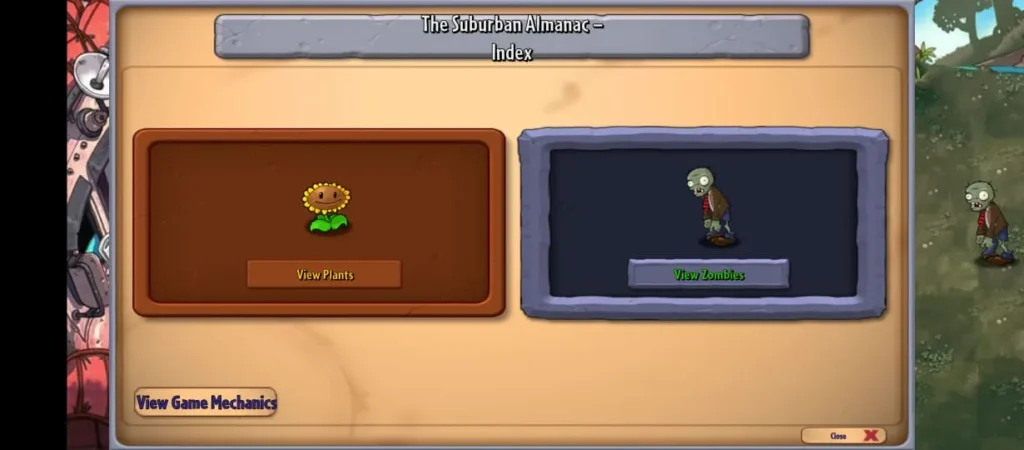
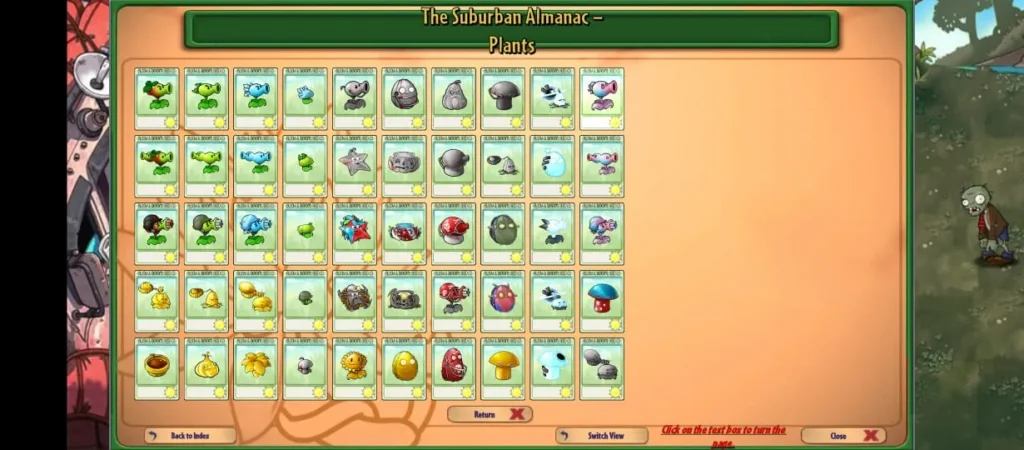
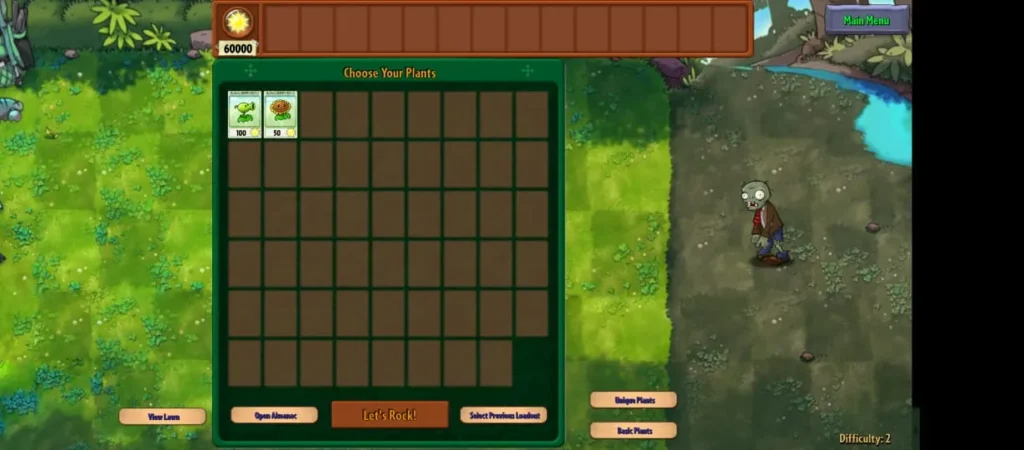
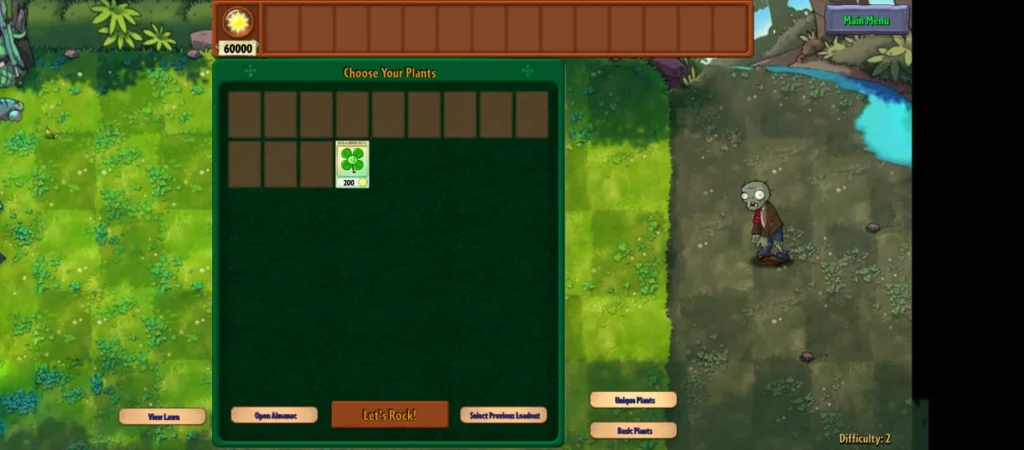
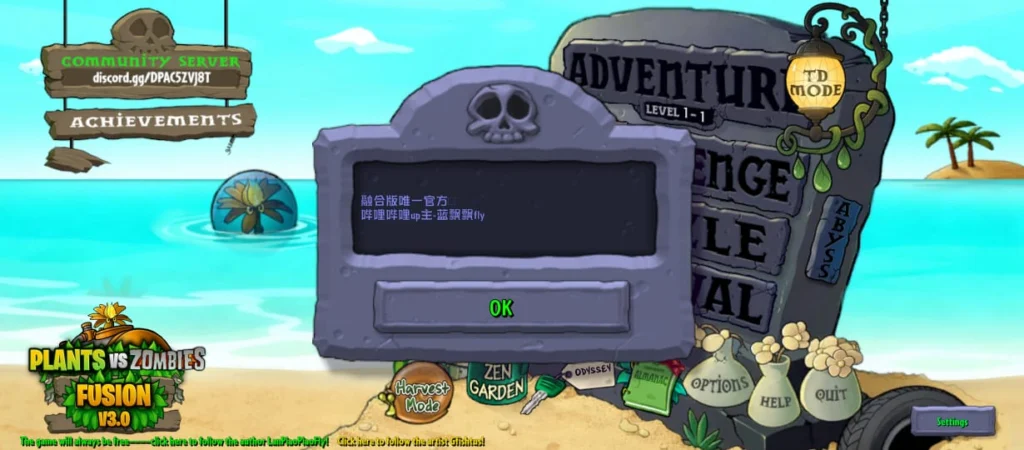


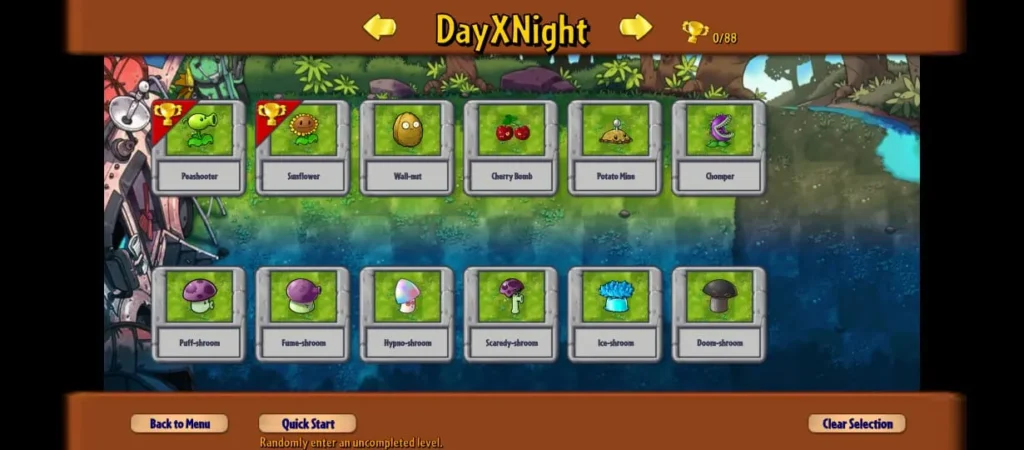
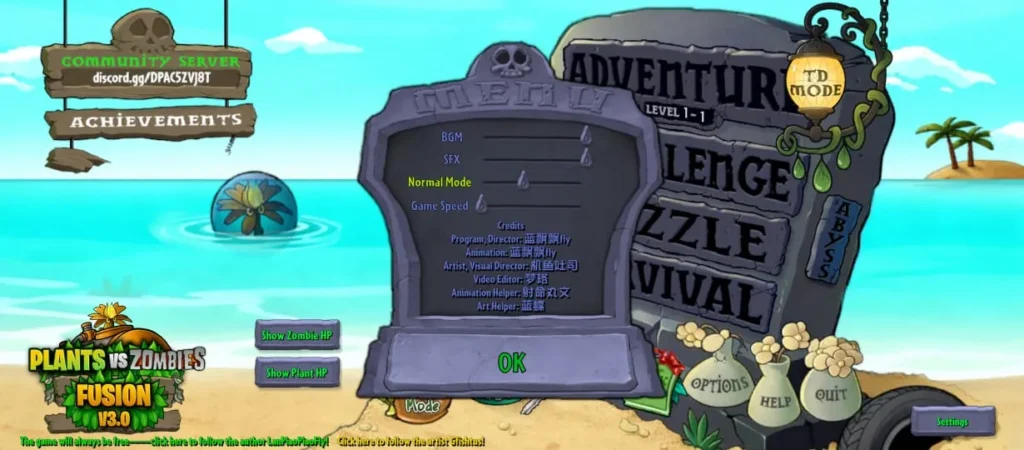
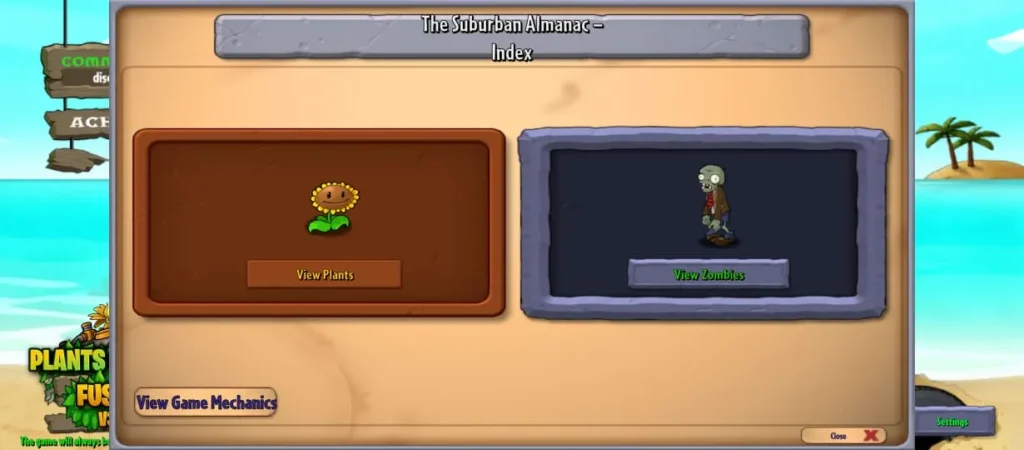
Why Play PvZ Fusion on PC?
The content is identical on Android and PC, so the choice comes down to how you like to play. These are the two reasons most players move to a computer:
System Requirements for PvZ Fusion PC
Operating System | Windows 7, 8, 10 or 11 |
Processor | Intel Core i3 2.4 GHz or AMD Ryzen 3 2200G |
RAM | 4 GB |
Graphics | AMD Radeon R7 250 or NVIDIA GeForce GTX 750 (DirectX 9.0c compatible) |
Storage | 2 GB free space (the ZIP itself is 435 MB) |
Features of PvZ Fusion PC
Beyond the bigger screen, a few things make the PC build the most comfortable way to play PvZ Fusion:
More Control
A mouse gives you precise planting, quick sun collection and faster reactions than a touchscreen. When a Gargantuar wave hits, that speed decides whether a lane holds.
Bigger Battlefield
Every fusion effect, projectile and zombie animation is easier to read on a monitor. You can spot a Vengeful Striker or a Trident Juggernaut long before it reaches your defenses.
Smooth Performance
Late Odyssey and Purgatory waves fill the screen with projectiles. A desktop CPU and GPU handle that load more comfortably than most budget phones.
Safe Updates
Each version is a separate portable folder. Extract a new update into a fresh folder, as the translation team recommends, and your old build stays untouched as a backup.
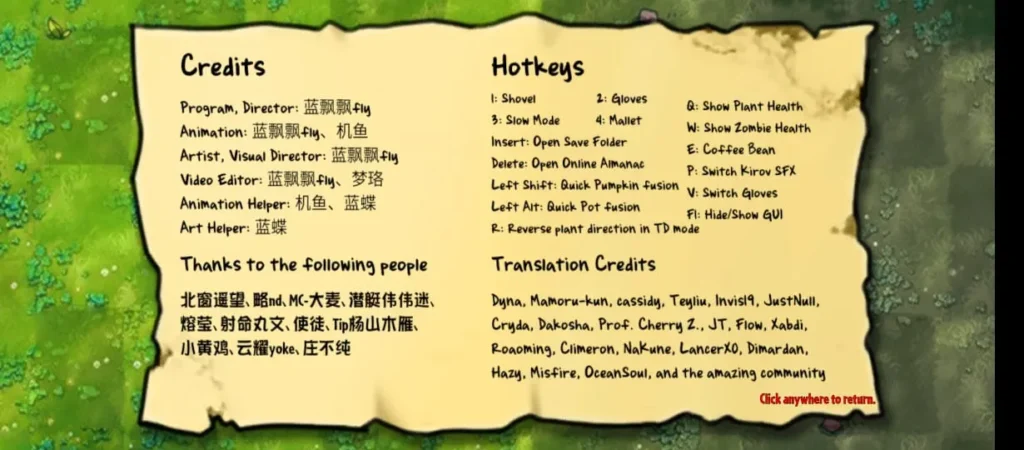
Plant Info Hotkey
Press H to see a plant’s health, attack, attack speed and production interval. It is the quickest way to compare fusions without opening the Almanac.
English Translation
The official build is in Chinese, but the PVZF-Translation community project releases Multi-lang PC builds, including one for 4.0.5.
How to Download and Install PvZ Fusion on PC?
The official PC build does not use an installer. You only need to extract it and launch the game. Follow these steps:
How to Play PvZ Fusion in English on PC?
English text comes from the community Multi-lang build made by the PVZF-Translation team on GitHub. It is a pre-patched copy of the game, so you do not have to install any mod by hand.
How to Play the PvZ Fusion APK on PC with an Emulator?
Fix Common PvZ Fusion PC Errors
Pros and Cons of PvZ Fusion for PC
Pros
Cons
Conclusion
PvZ Fusion plays best on a PC. The official PvZ Fusion for PC 4.0.5 build is a free, portable ZIP that needs no emulator, and the community Multi-lang build gives you English menus when you need them. Extract it into a clean folder with an English-only path, launch PlantsVsZombiesRH.exe and you are ready to stack fusions on a bigger lawn. Bookmark this page, because we update the download whenever a new PC version is released.