Pvz Fusion 3D Download 1.0 (Official) – Free For Android and PC
If you enjoy strategy games like Plants vs. Zombies then PvZ Fusion 3D will feel fresh and exciting.
Version
1.0
Mod
3D
Size
288 MB
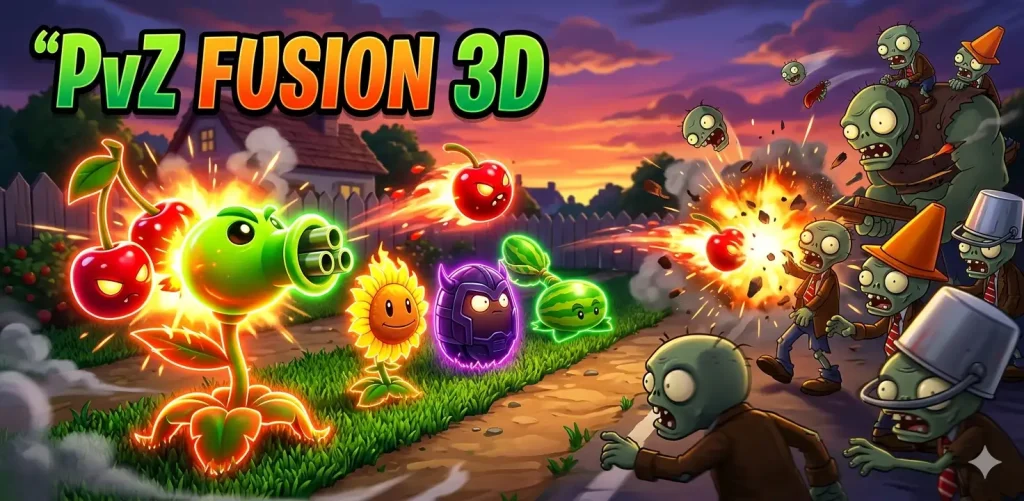
If you enjoy strategy games like Plants vs. Zombies then PvZ Fusion 3D will feel fresh and exciting. This version is not official. It is a fan made upgrade with new mechanics and deeper gameplay. The main highlight is the fusion system. You can combine two plants to create a stronger hybrid. Explore all fusion plants here. Each fusion gives new abilities and better attack power. This makes every level more strategic and engaging.
Unlike the original game, this version focuses more on experimentation. You are not limited to basic plants. You can build your own combinations and discover powerful setups against zombie waves. PvZ Fusion 3D is available for Android and PC. It is lightweight and easy to run. Many players are trying it because of its unique gameplay style and creative features.
What is PvZ Fusion 3D?
PvZ Fusion 3D is a fan made version of Plants vs. Zombies. It introduces a new fusion system that allows players to combine plants and create stronger units. This version is not developed by PopCap Games or published by Electronic Arts. It was created by independent developers who wanted to expand the original gameplay.
The core idea remains the same. You defend your area from waves of zombies using plants. However the mechanics are more advanced. You can merge abilities and create custom strategies based on your play style. The game also includes improved visuals and smoother animations. The 3D style makes battles feel more dynamic. Players get more control over how they build their defense.
PvZ Fusion 3D is designed for players who want something beyond the classic experience. It adds depth without removing the original charm.
Key Features of PvZ Fusion 3D

Hybrid Plant System
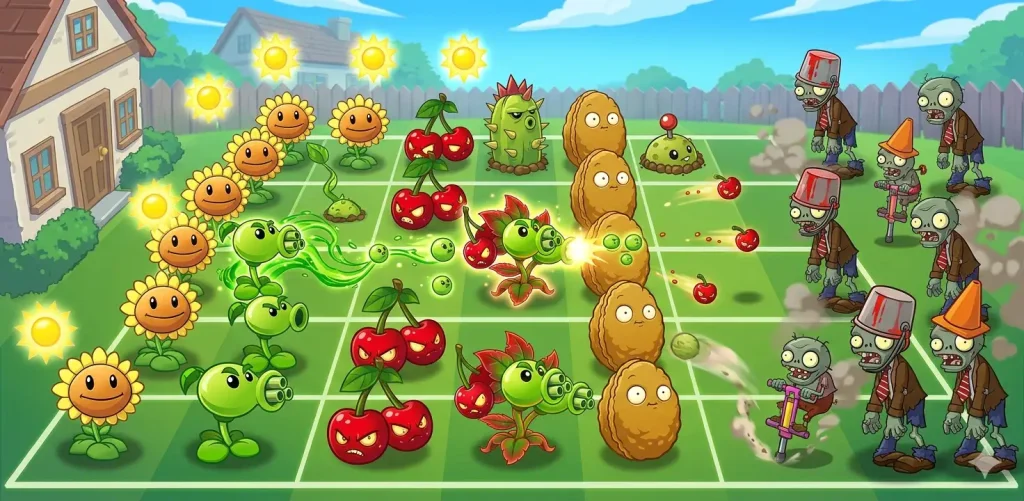
The fusion system is the core feature of this game. You can combine two different plants to create a hybrid. Each hybrid has stronger attacks and unique abilities. This system allows you to experiment and discover powerful combinations.
Advanced Combat Mechanics
Combat feels more dynamic in this version. Zombies appear in different patterns and require better planning. Some enemies are stronger and need specific plant combinations to defeat them.
Strategic Plant Placement
Placement matters more than ever. You must choose the right row for each plant. A wrong placement can break your defense. Smart positioning helps you control zombie waves effectively.
Rare Seeds and Resources
You get access to rare seeds that are not available in the original game. These seeds allow you to build stronger plants. Resource management is also important. You must use sunlight wisely to grow your army.
Enhanced Gameplay Experience
The game offers smoother controls and improved visuals. The 3D design makes the gameplay more immersive. Every level feels more engaging and challenging compared to the basic version.
How PvZ Fusion 3D is Different from Original PvZ
PvZ Fusion 3D changes the way you play compared to Plants vs. Zombies. The original game focuses on fixed plant abilities. Each plant has a specific role and you follow a simple strategy. In PvZ Fusion 3D you are not limited to predefined abilities. You can combine plants and create new ones. This adds more depth and flexibility to your strategy.
The original game is more predictable. Enemy waves follow a known pattern. In this version the difficulty feels higher. You need better planning and faster decisions. Another major difference is customization. The classic version gives limited options. PvZ Fusion 3D allows you to experiment with different setups. Each match can feel different based on your choices. The overall experience is more advanced. It is designed for players who want more control and challenge.
Android
The game works on Android 5.0 and above. You need some free storage space for installation. A stable device ensures smooth gameplay.
PC
For a PC you need at least 512 MB RAM and a 1.2 GHz processor. A basic graphics card with 128 MB VRAM is enough. The game runs well on older systems including Windows XP and newer versions.
Mac
Mac users need Mac OS X 10.4.11 or later. A system with Intel Core Duo processor and 512 MB RAM can run the game smoothly.
How to Download PvZ Fusion 3D APK on Android
Follow these steps to install PvZ Fusion 3D on your Android device.
After installation you will see the game icon on your home screen. You can now open the game and start playing. Make sure you only download the file from a reliable website. Unsafe sources can harm your device or steal your data.
Is PvZ Fusion 3D Safe to Download
PvZ Fusion 3D is not an official release of Plants vs. Zombies. It is a fan made APK. This means it is not verified by PopCap Games or Electronic Arts. Because of this you need to be careful before installing it. APK files from unknown sources can contain harmful code. They may affect your device performance or compromise your data.
To stay safe, always download the file from a trusted website. Avoid random links and unknown platforms. You can also scan the APK file using antivirus before installing it. Another important point is permissions. Do not allow unnecessary access when installing the game. If the app asks for unrelated permissions it is better to avoid it. PvZ Fusion 3D can be safe if you choose the right source and follow basic precautions.
Pros and Cons of PvZ Fusion 3D
Pros
Cons
Conclusion
PvZ Fusion 3D offers a fresh take on Plants vs. Zombies with deeper strategy and creative gameplay. The fusion system makes every level more engaging. You can experiment with different plant combinations and build stronger defenses. This version is ideal for players who want more control and challenge. It keeps the core idea of the original game but adds new layers of strategy. However it is an unofficial APK. You must download it carefully from a trusted source. If you follow basic safety steps you can enjoy the game without issues. Overall PvZ Fusion 3D is a great choice for fans who want something new and more advanced.